Not sure where your marketing budget is actually going? →
Get a free audit
Services
CRM Set Up & Optimisation
Bought a CRM to fix your reporting, and now the sales team just... doesn't use it? You're not alone, we hear it constantly. So we build the opposite: fewer fields, clearer stages, and automation that removes admin instead of adding it. Then we connect it to your digital marketing so you can FINALLY see which campaigns produced closed revenue, not just leads.


Real client results
Every campaign is judged on one number:
The revenue it puts in your account

What joined-up reporting made visible
Generating a lead is just the first step, we help clients close more deals with lead nurturing, re-targeting and CRM based campaigns.
Fewer fields, more adoption
Required fields are cut to the few that actually drive a decision. Every extra field is a tax on use.
Captured automatically
Lead sources are captured from the website and ad platforms automatically, not typed in from memory.
Reporting built once
Reporting is built properly the first time, so nobody exports to a spreadsheet to answer a basic question.
Client reviews
Every review we have is five stars. Here's why.
Strategic Momentum
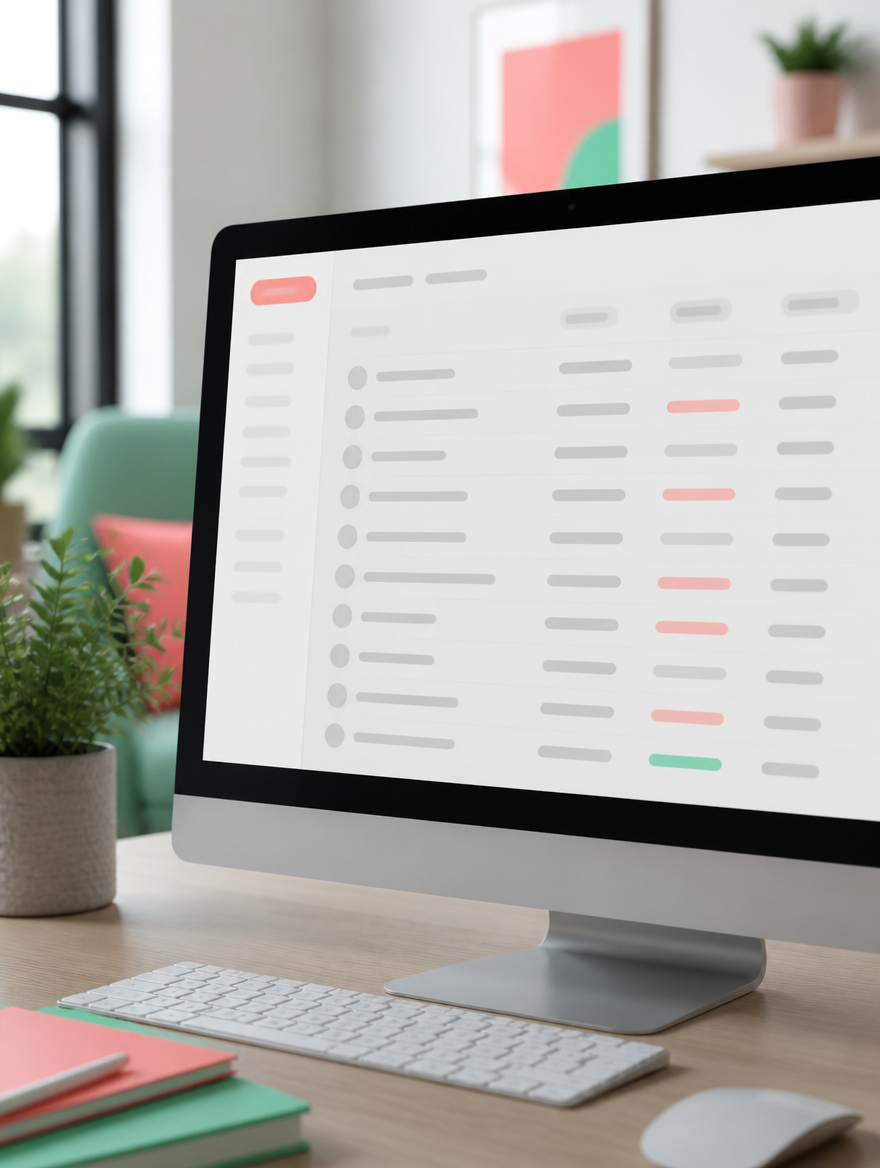
See what your pipeline data could be telling you

Purposeful Innovation
What joined-up reporting made visible
- Automation aimed at admin: reminders, task creation, meeting links, follow-up sequences, quote and proposal templates.
- Inherited portals get the same attention as new ones: deduplication, archiving properties nobody uses, and killing workflows nobody left can explain.
- Moving from spreadsheets or another platform, the data gets cleaned before it's imported. Migrating a messy list just relocates the mess.
FAQ
The questions you actually want answered
Do we have to use HubSpot?
Do you resell licences or take commission?
How long does a setup take?
What happens if the sales team ignores it?
Who owns the portal and the data?